Blur faces and licence plates on Mac
Blur faces and licence plates to anonymise a photo or video.
Before a photo or clip goes public — a street scene, a sold item with a car in the drive, a classroom, a report with bystanders — the faces and licence plates in the background need to go. Blurring them by hand means drawing over each one, frame by frame on a video, which nobody does properly. Doing it automatically means finding the faces (and the plates) and hiding them in one pass, so you can share the shot without exposing people who didn't agree to be in it.
The free way (if there is one)
macOS Markup lets you manually draw a shape over part of a single image to hide it — one region at a time. There's no built-in way to detect and blur faces automatically, and nothing for video.
macOS Markup lets you draw a shape over something to hide it, one at a time, on a single image — fine for one face in one photo. There's no built-in way to find and blur faces automatically, and nothing for video at all. That's what this adds.
With Fileknife
Here's the same job in Fileknife, where it stays on your Mac:
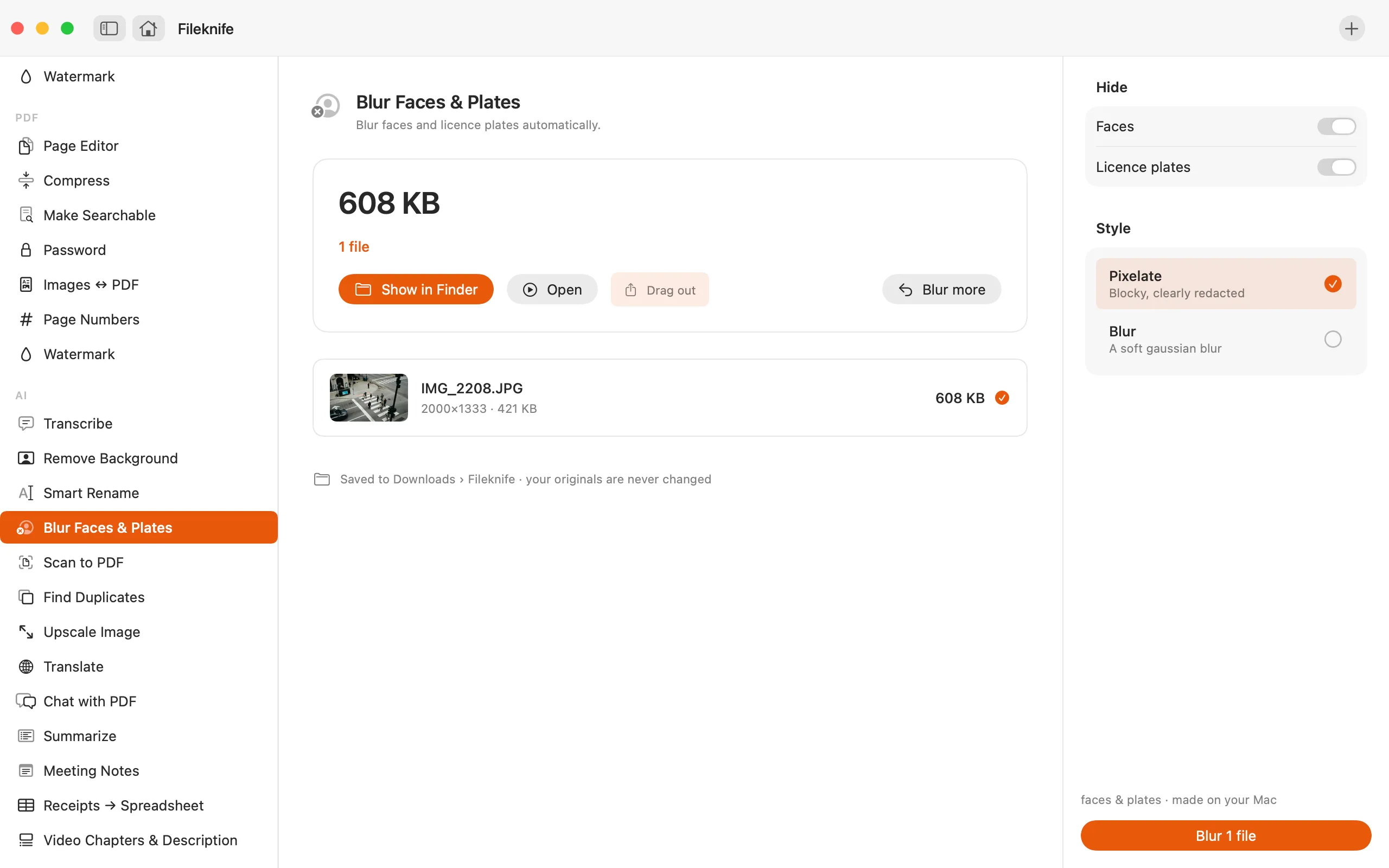
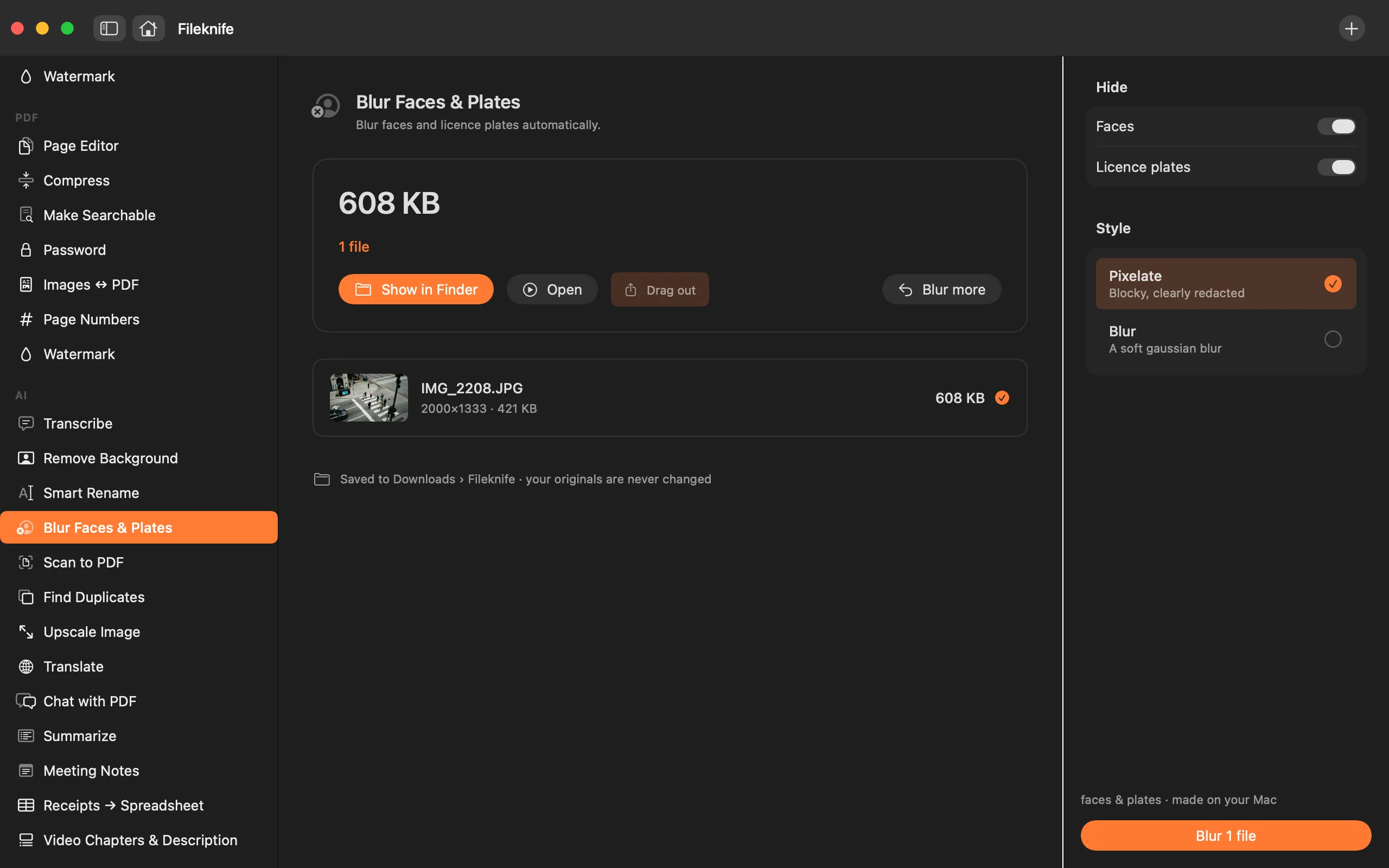
- Drop a photo or video onto Fileknife and choose Blur Faces & Plates.
- Choose what to hide: faces, licence plates, or both.
- Pick the style: pixelate or a soft blur.
- Press Blur, then review and share the redacted copy.
Why reach for Fileknife
- Finds faces automatically instead of you drawing over each one.
- Also hides licence-plate-style text, so cars in the background are anonymised.
- Works on photos and video — every frame, not just a still.
- Runs on your Mac, so sensitive footage is never uploaded.
Presets and options
- Pixelate
- Blur
Takes: Photos (HEIC, JPG, PNG) and video (MP4, MOV). Gives: A redacted copy of the photo or video.
Honest limits
Face detection is reliable, but no automatic detector catches every face or plate in every shot — small, turned-away or dark faces can be missed, and licence-plate detection finds plate-like text rather than guaranteeing every plate. Always check the result before you share, especially for anything sensitive.
FAQ
Does it catch every face and plate?
No automatic tool can promise that. Fileknife reliably finds clear, front-facing faces and plate-like text, but small, turned or dark ones can slip through — so review the result before sharing anything that matters.
Does it work on video?
Yes. It processes every frame, so moving faces stay hidden through the clip, not just in a single still.
Pixelate or blur — which is better?
Pixelation is blocky and unmistakably redacted, which is clearest for proof that something was hidden. A soft blur looks tidier. Both are applied only to the detected regions.
Is my footage uploaded?
No. Detection and blurring run on your Mac — important for anything sensitive.
Be the first to know when it ships · No spam · macOS 14 Sonoma or later