Remove the audio from a video on Mac
Remove a video's audio track.
Sometimes the sound has to go: background chatter you don't want shared, a music track you'll replace, or a clip that just plays better silent. Muting a video strips out its audio track and leaves the picture untouched. It should be instant — the video doesn't need re-encoding to lose a track it already has.
The free way (if there is one)
QuickTime Player has no way to remove a video's audio. iMovie can detach and delete the audio inside a project for free, then export — which works, but it's a full project round-trip.
iMovie can detach and delete a clip's audio for free, but it means setting up a project and exporting. Fileknife mutes the file you already have in one step, keeping the picture bit-for-bit.
With Fileknife
Here's the same job in Fileknife, where it stays on your Mac:
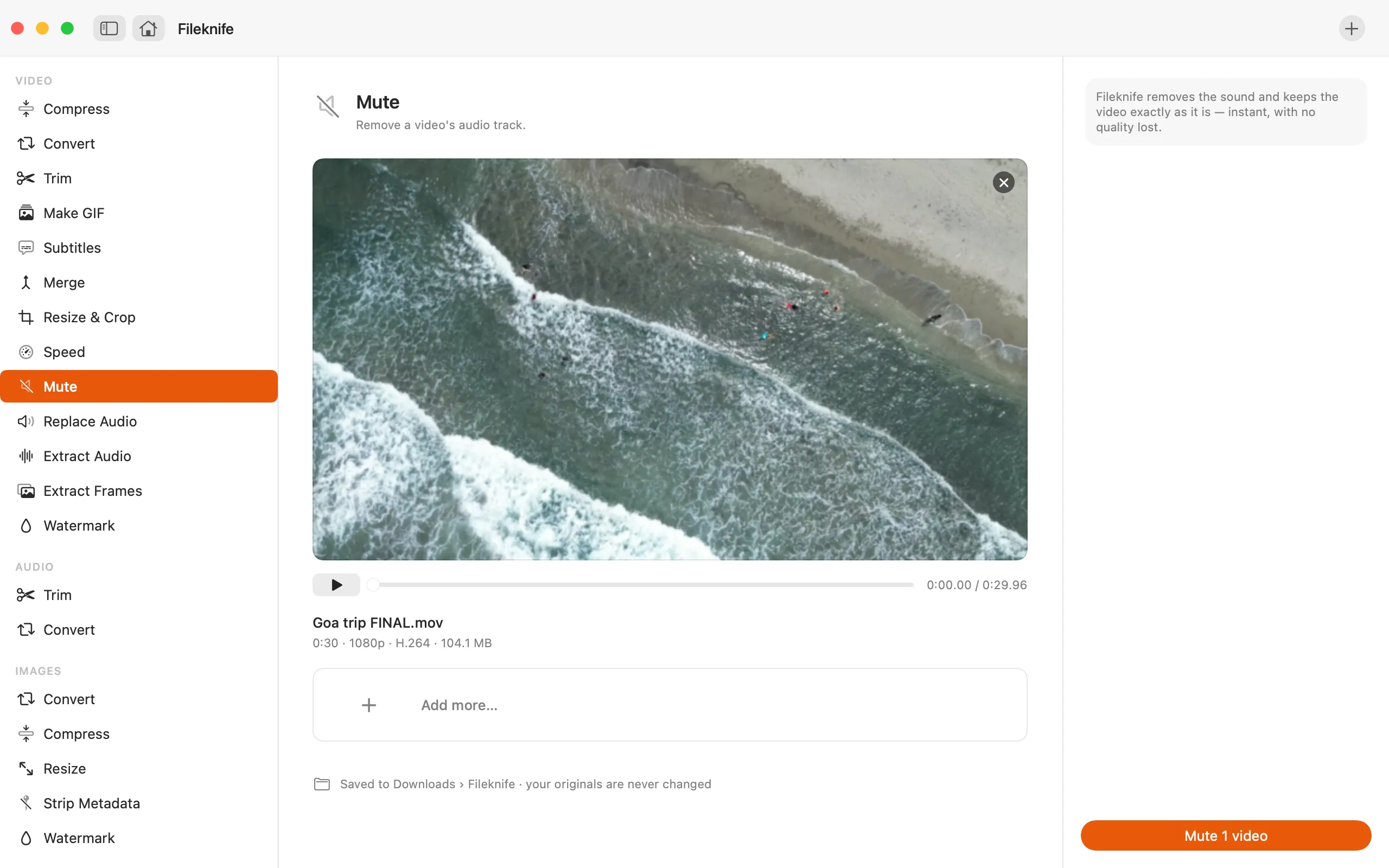
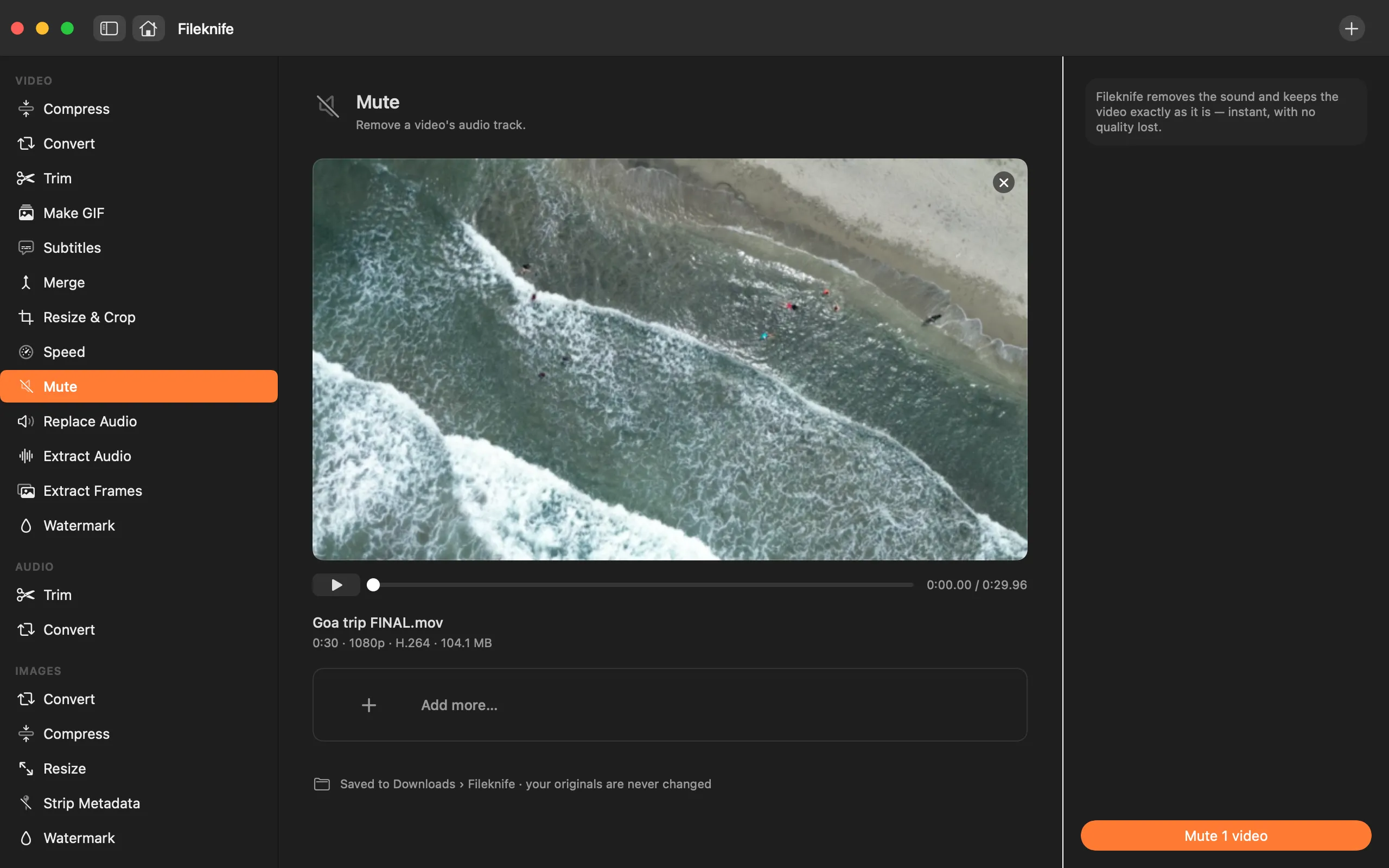
- Drop the video onto Fileknife and choose Mute.
- Press Mute.
- Use Show in Finder or drag the silent video out.
Why reach for Fileknife
- Removes the audio track while keeping the picture untouched — no quality loss on the video.
- One step on the file you already have, no project to build.
- Writes a new file and leaves your original alone.
- Runs on your Mac — nothing is uploaded.
Presets and options
- Remove the audio track
Takes: MP4, MOV, M4V and most common video formats. Gives: MP4 (picture kept as-is, audio removed).
Honest limits
Mute removes the whole audio track. To lower the volume, keep part of the sound, or put a new soundtrack in, use Replace Audio instead.
FAQ
Does muting lower the video quality?
No. The picture is kept exactly as it is — only the audio track is dropped — so there's no re-encoding of the video.
Can I put different audio in afterwards?
Yes — use the Replace Audio tool to add a new soundtrack to a muted (or any) video.
Is my original file changed?
No. Fileknife writes a new, silent file and leaves your original untouched.
Is anything uploaded?
No. Muting runs on your Mac.
Be the first to know when it ships · No spam · macOS 14 Sonoma or later