Replace the audio in a video on Mac
Swap a video's soundtrack for an audio file of your own.
A clip with the wrong sound needs new sound: music over a silent montage, a clean voiceover instead of noisy on-camera audio, a backing track swapped for one you're allowed to use. Replacing the audio drops the original track and lays your own audio over the picture instead. The practical questions are whether it stays in sync and whether you can line a track up to the video.
The free way (if there is one)
iMovie can replace a clip's audio for free, but inside a timeline project you then export. There's no quick "swap this file's soundtrack" in Finder or QuickTime.
iMovie can replace a clip's audio for free in a project. Fileknife is for the direct swap — this video, this audio file — without building a timeline, and it can mix more than one clip over the picture.
With Fileknife
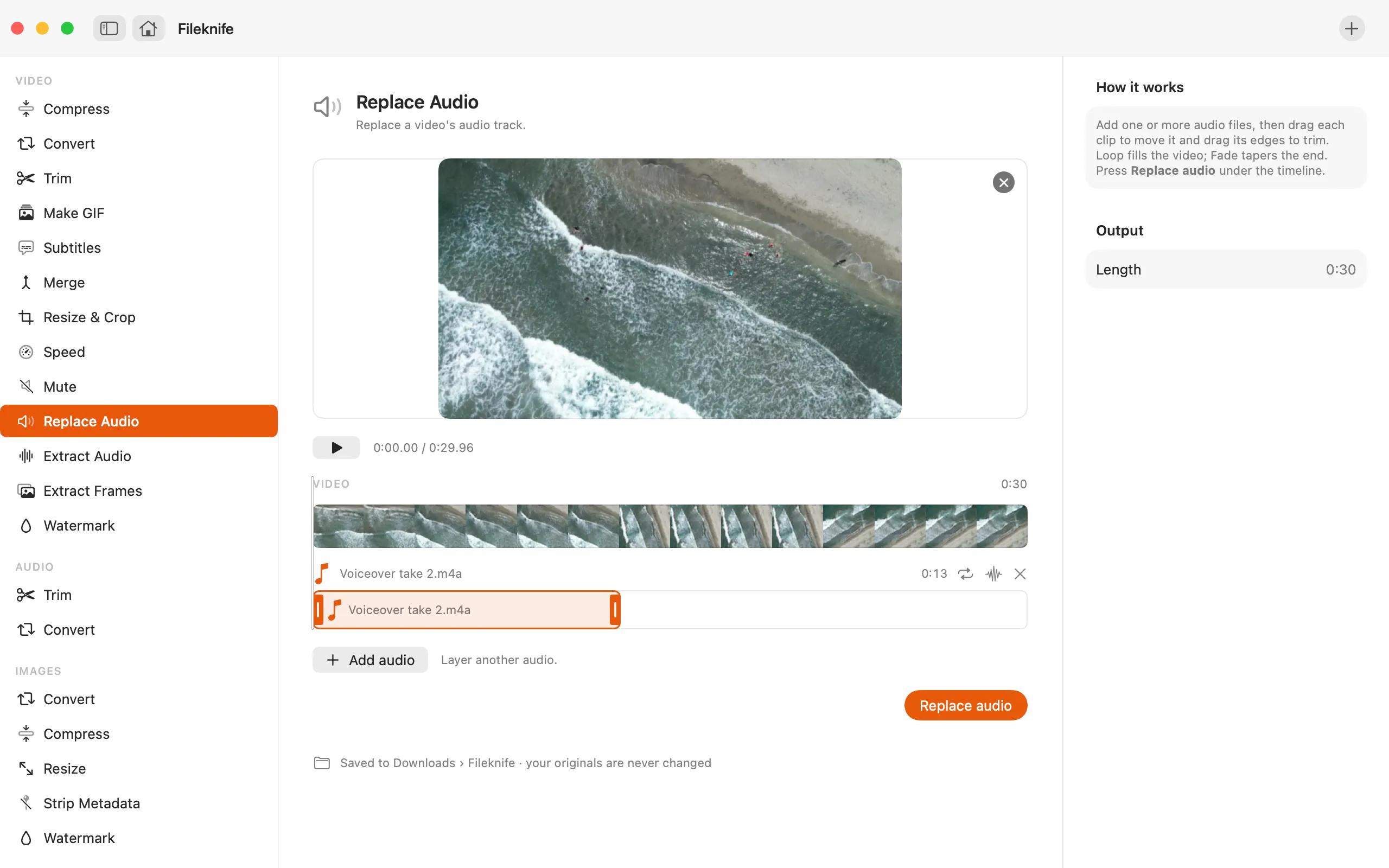
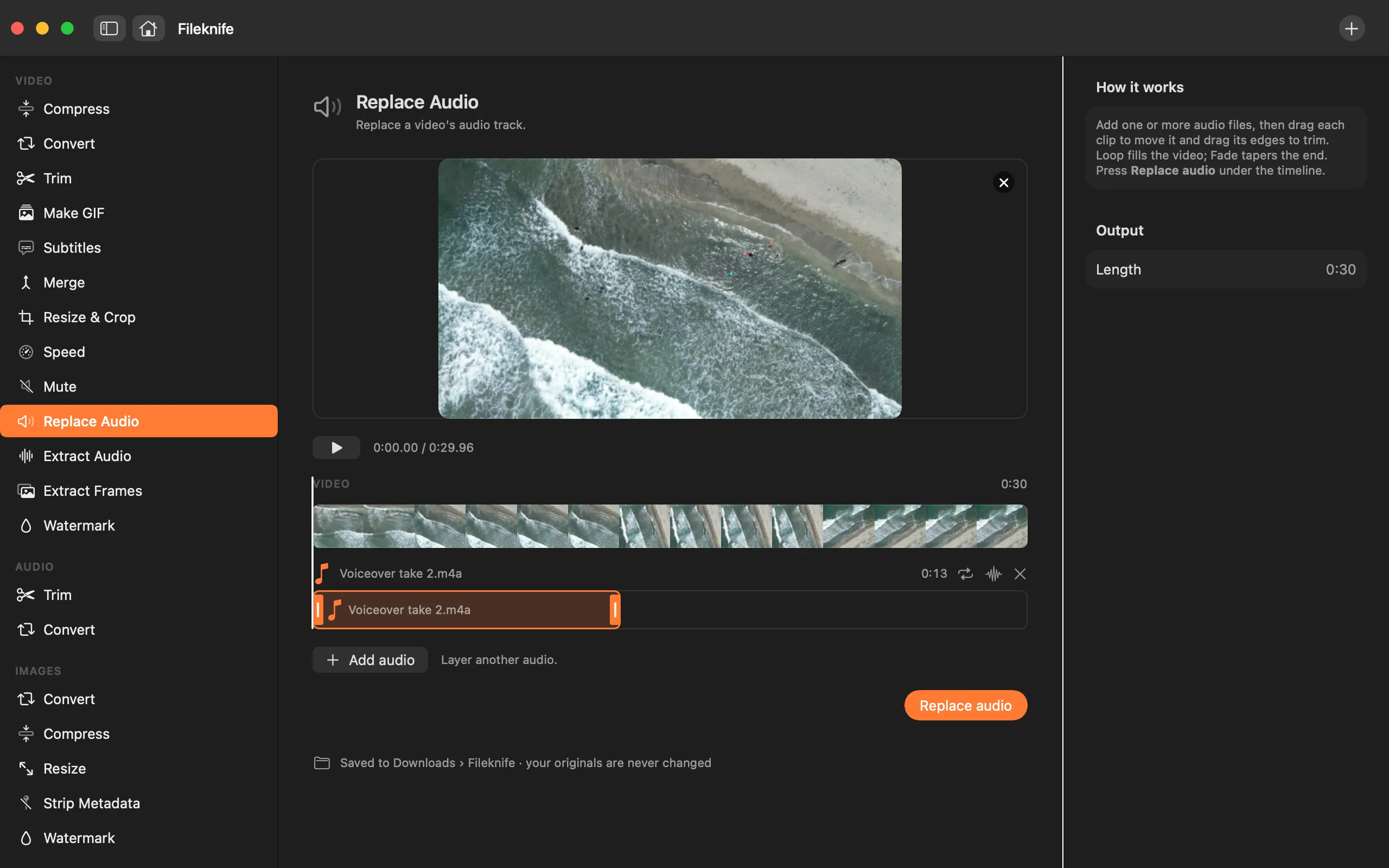
Here's the same job in Fileknife, where it stays on your Mac:
- Drop the video onto Fileknife and choose Replace Audio.
- Add the audio file you want to use (or several to mix).
- Press the button.
- Use Show in Finder or drag the new video out.
Why reach for Fileknife
- Swap in your own music or voiceover in place of the original audio.
- Add more than one audio clip and have them mixed over the picture.
- The picture stays as-is while only the sound changes.
- Runs on your Mac — no project, nothing uploaded.
Presets and options
- Replace with one track
- Mix several clips
Takes: A video (MP4, MOV, M4V) plus one or more audio files (MP3, M4A, WAV and most common formats). Gives: MP4.
Honest limits
Replace Audio lays your audio over the whole clip; it's for swapping the soundtrack, not fine frame-by-frame sound editing. If the new audio is shorter or longer than the video, it plays from the start — trim the audio first if you need it to end exactly with the picture.
FAQ
Can I add background music to a silent clip?
Yes. Drop in the video and the music file, and Fileknife lays the music over the picture.
Can I keep the original sound and just add music over it?
Replace Audio swaps the soundtrack. To keep some of the original, mute the clip first or prepare a mixed audio file, then replace with that.
Will the audio stay in sync?
Yes. Your audio is placed from the start of the clip and kept in sync with the picture.
Is anything uploaded?
No. Everything runs on your Mac.
Be the first to know when it ships · No spam · macOS 14 Sonoma or later