Resize and crop a video on Mac
Crop a video to a new aspect ratio like 9:16 or square.
A clip shot landscape won't sit right in a Reel, and a 4K phone video is often far larger than the frame it's headed for. Cropping changes the shape — reframing a wide video to a tall 9:16 or a square 1:1 — and resizing changes the pixel size. The useful part is doing both to a precise target without dragging a project into a video editor.
The free way (if there is one)
There's no simple built-in way to crop a video to a new aspect ratio. iMovie can crop a clip inside a project, but it's a full timeline edit; QuickTime Player can't crop at all.
iMovie can crop within a project and QuickTime can't crop at all, so for a quick reframe there's no simple built-in route. Fileknife is for cropping to a named ratio and, optionally, resizing the output in the same step.
With Fileknife
Here's the same job in Fileknife, where it stays on your Mac:
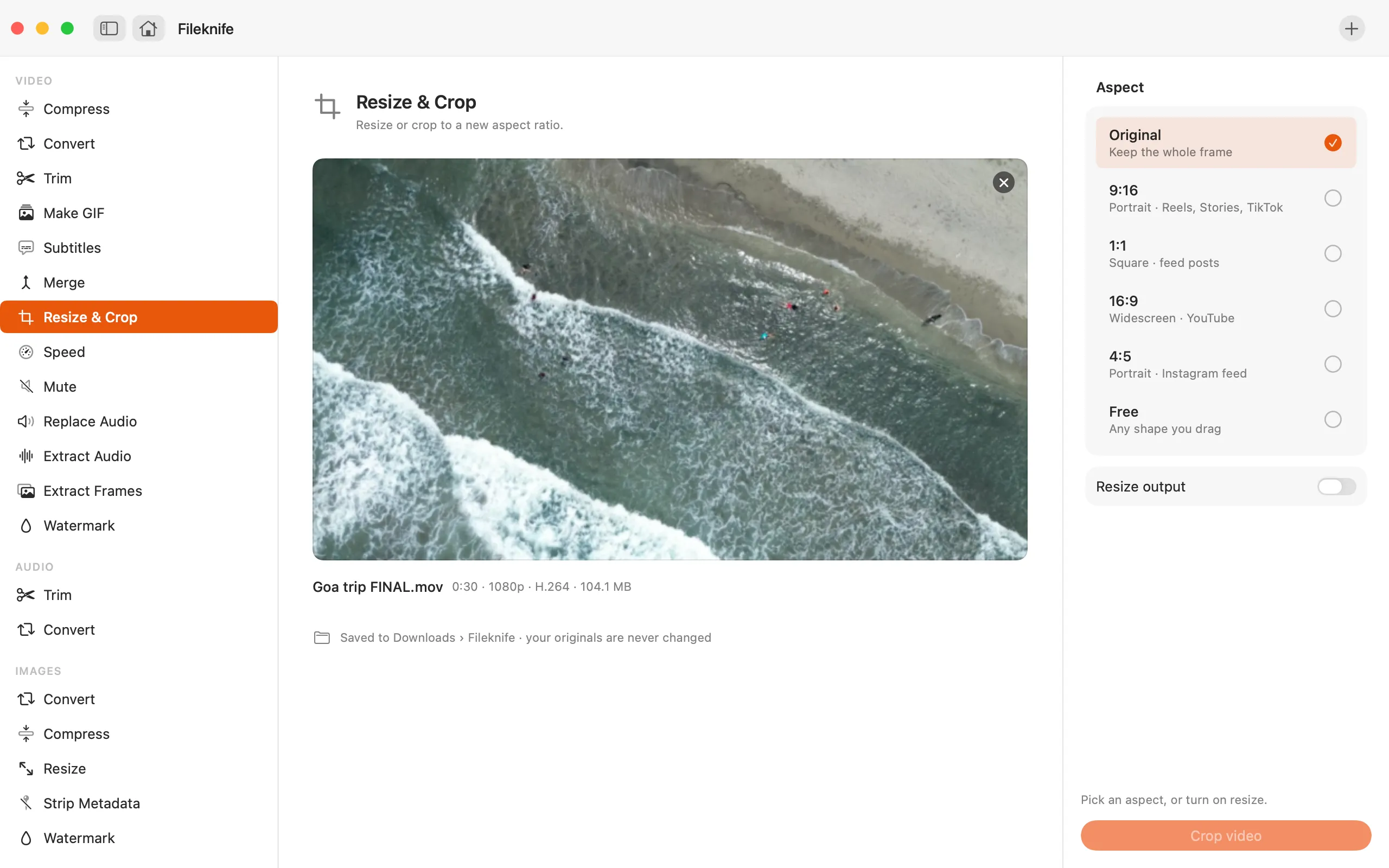
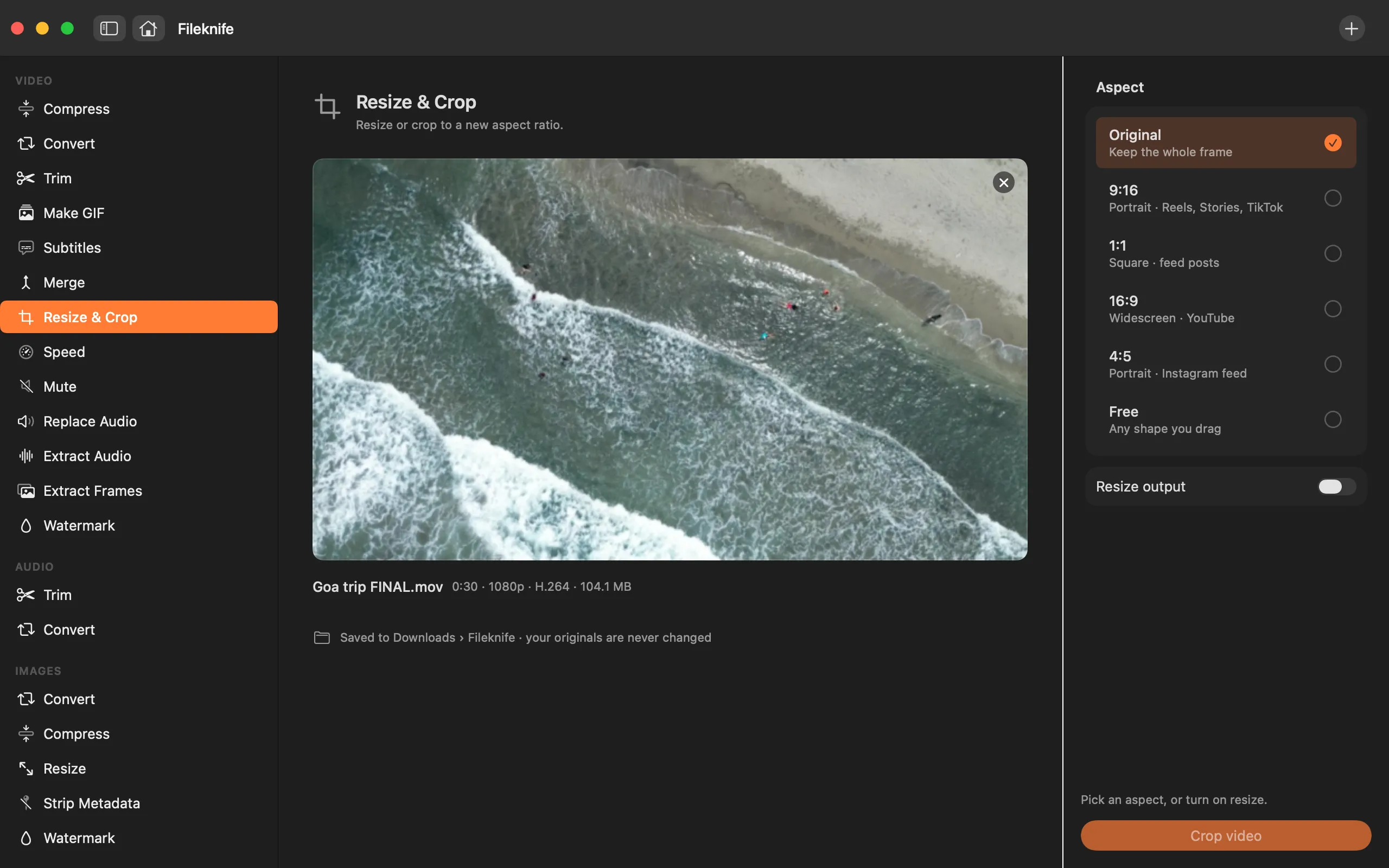
- Drop the video onto Fileknife and choose Resize & Crop.
- Pick an aspect ratio (9:16, 1:1, 16:9, 4:5) or Free, then position the crop box.
- Optionally turn on resizing and set the output width and height.
- Press the button, then use Show in Finder or drag the result out.
Why reach for Fileknife
- Lock the crop box to 9:16, 1:1, 16:9 or 4:5, or drag it freely.
- Keep the whole frame and just resize to new dimensions, if that's all you need.
- See the crop over the actual video before you export.
- Runs on your Mac, with no upload or editor project.
Presets and options
- Original
- 9:16
- 1:1
- 16:9
- 4:5
- Free
- Resize to a custom size
Takes: MP4, MOV, M4V and most common video formats. Gives: MP4.
Honest limits
Cropping keeps the pixels inside the box, so cropping in tight on a low-resolution clip can look soft. Resizing changes the frame size but can't add detail that wasn't captured.
FAQ
How do I make a landscape video vertical for Reels or TikTok?
Choose the 9:16 aspect, then drag the crop box over the part of the frame you want to keep. The export is a tall video sized for Reels, Stories and TikTok.
What's the difference between resize and crop?
Crop changes the shape by keeping a region of the frame. Resize keeps the whole frame and changes its pixel dimensions. You can crop, resize, or do both at once.
Will cropping lower the quality?
Cropping itself just keeps part of the frame, but a tight crop uses fewer original pixels, so it can look softer. Fileknife shows the crop over the real video so you can judge before exporting.
Is anything uploaded?
No. Everything runs on your Mac.
Be the first to know when it ships · No spam · macOS 14 Sonoma or later