Transcribe audio to text on Mac
Turn speech into text, on your Mac.
Interviews, voice memos, lectures, a podcast you want to quote from — at some point the audio has to become text you can read, search and edit. Transcribing by hand is brutally slow, and the easy web services charge by the minute and want your recording on their servers. Transcribing means turning the spoken words into written ones automatically, and the only real questions are whether it's accurate, whether it's private, and whether you can get the format you need out the other end.
The free way (if there is one)
Apple's Voice Memos and Notes can transcribe recordings made inside them on newer macOS, but there's no built-in way to transcribe an arbitrary audio or video file into a saved text, SRT or VTT file.
On newer macOS, Apple's Voice Memos and Notes can transcribe things you record inside them, which is handy in the moment. There's no built-in way to transcribe an audio or video file you already have into a text, SRT or VTT file you can save — which is what this does, without uploading anything.
With Fileknife
Here's the same job in Fileknife, where it stays on your Mac:
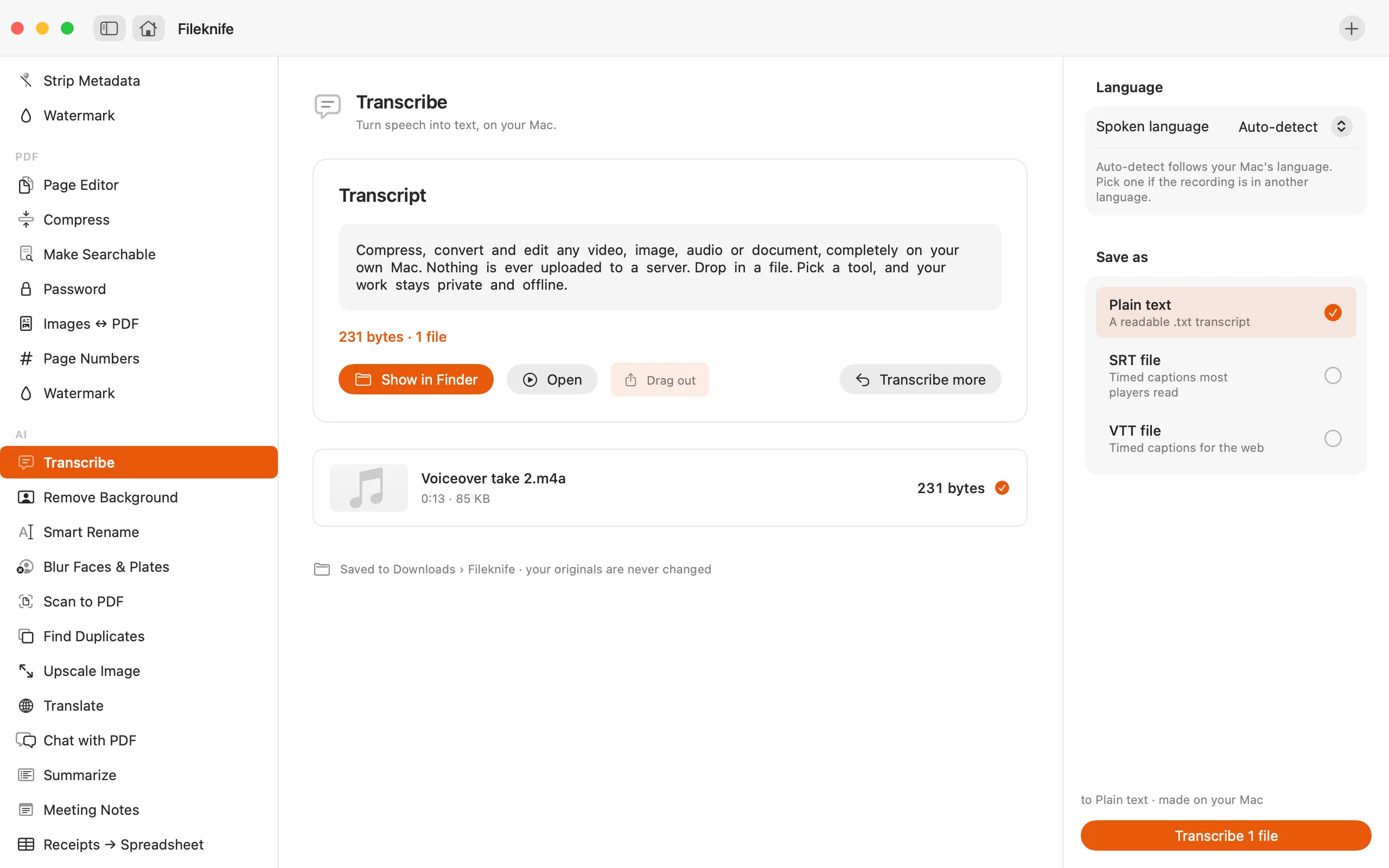
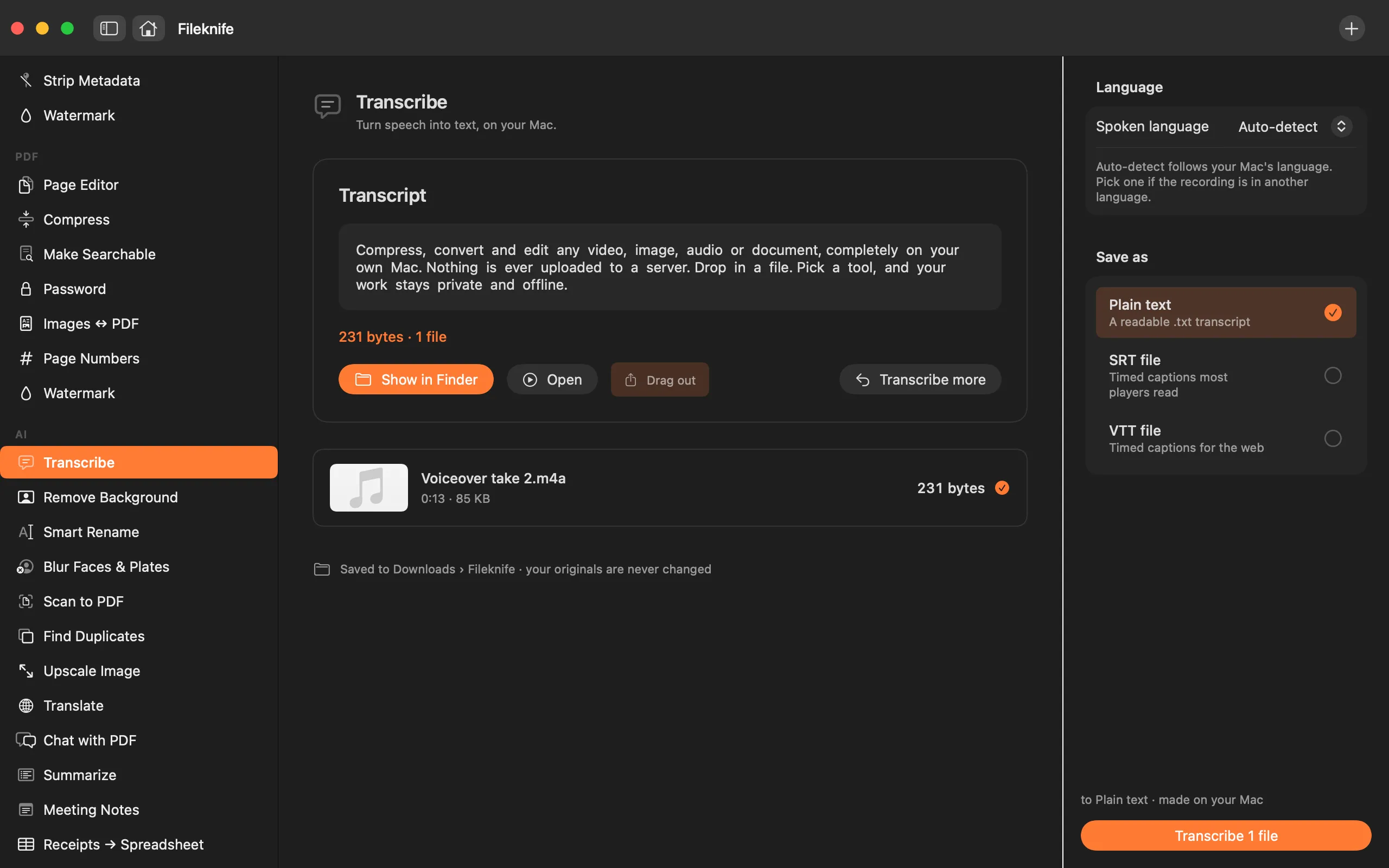
- Drop an audio or video file onto Fileknife and choose Transcribe.
- Pick the spoken language, or leave it on auto-detect.
- Choose the output: plain text, SRT or VTT.
- Press Transcribe, then use Show in Finder or drag the file out.
Why reach for Fileknife
- Speech is recognised on your Mac — your recording isn't uploaded to a transcription service.
- Save a plain-text transcript, or timed SRT / VTT captions.
- Transcribe a whole batch of recordings in one go.
- No per-minute fee like most transcription sites charge.
Presets and options
- Plain text
- SRT file
- VTT file
Takes: MP3, M4A, WAV and most audio, plus MP4, MOV and most video. Gives: A .txt transcript, or an SRT / VTT subtitle file.
Honest limits
On macOS 14 and 15 a small speech model downloads the first time you use it — the one extra network request this tool makes; macOS 26 uses Apple's built-in speech. Accuracy depends on clear audio: heavy background noise, strong accents or overlapping speakers need manual fixes.
FAQ
Is my recording uploaded to transcribe it?
No. Transcription runs on your Mac. On macOS 14 and 15 a small speech model downloads once; after that it works offline.
Can I get an SRT file for subtitles?
Yes — you can save a plain-text transcript, an SRT, or a VTT. To burn captions into a video or edit them line by line first, use the Subtitles tool instead.
How accurate is it?
Clear speech transcribes well. Noisy audio, strong accents or several people talking at once will need some correction — transcription is a starting point, not a finished edit.
What languages does it support?
The languages Apple's on-device speech recognition supports, which covers the major ones. Auto-detect follows your Mac's language, or you can pick one.
Be the first to know when it ships · No spam · macOS 14 Sonoma or later